✨ Free 14-day trial • macOS 14.0+ • Apple Silicon & Intel
Wallpapers across every screen, under your control.
One panorama
Set a panorama, a different image or a video on each display. Schedule changes and use on-device AI to fit your setup.
Video Walkthroughs
Recorded on a real Mac with two monitors, no mockups.
AI Frame Expansion: From Photo to Panorama
Watch Wallpyria extend the missing sides of a photo into a panorama for two monitors without cropping.
Multi-Monitor Wallpapers: Full Walkthrough
3:19Wallpaper Scheduler: a Different Wallpaper per Monitor
1:14Live Video Wallpapers on Two Monitors
2:14Dynamic Wallpapers: Time of Day and Sun Position
2:17Wallpyria in 29 Seconds: Feature Preview
0:29Powerful Features
Everything you need to create stunning wallpapers across multiple monitors
Static Wallpapers
Create perfect wallpapers for each monitor with precise positioning and scaling controls.
Animated Wallpapers
Bring your desktop to life with smooth video wallpapers synchronized across all displays.
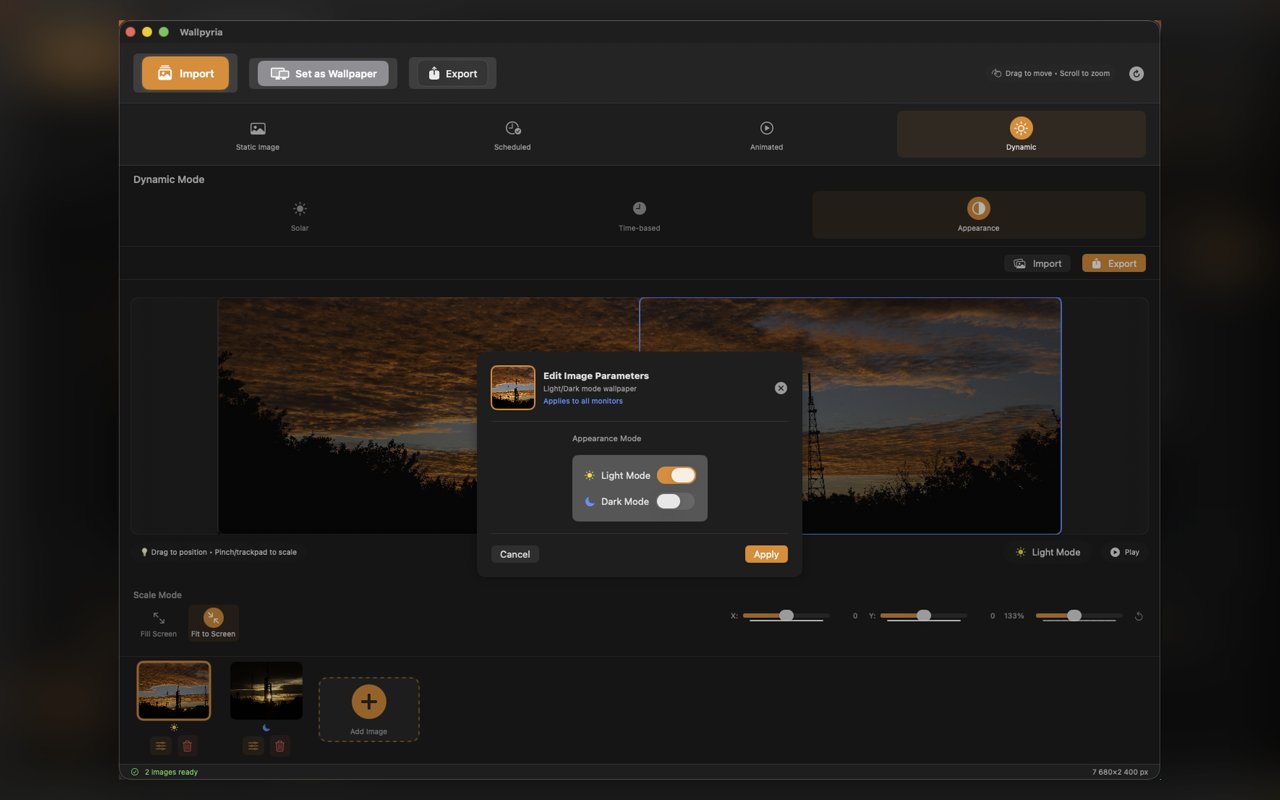
Dynamic HEIC
Time-based wallpapers that change throughout the day, matching sunrise and sunset.
Smart Scheduling
Automatically rotate wallpapers on schedule with time-based or solar position triggers.
4 Quality Levels
Choose from Native, High, Super High, and Ultra quality for optimal wallpaper rendering up to 8K resolution.
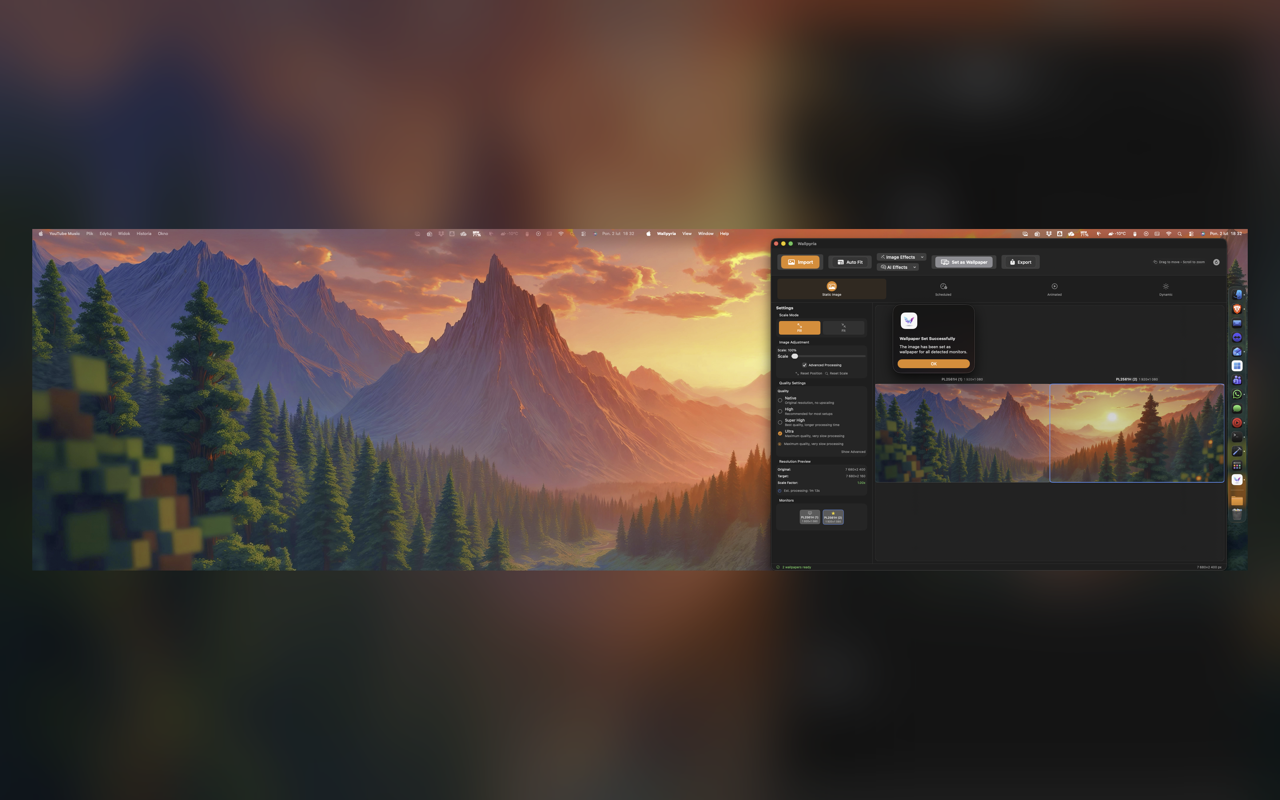
Panorama Mode
Stretch one ultra-wide image seamlessly across multiple monitors for immersive setups.
44 Image Effects + 13 AI Features
44 effects in 8 categories, plus on-device AI: Subject Blur, Auto Framing, Background Removal, Smart Crop, Face Framing, Pet Framing, Auto-Straighten, Line Art, Color Pop, Spotlight, Duotone Background, Subject Glow and Frame Expansion.
See Wallpyria in Action
Latest version
Earlier versions of the app
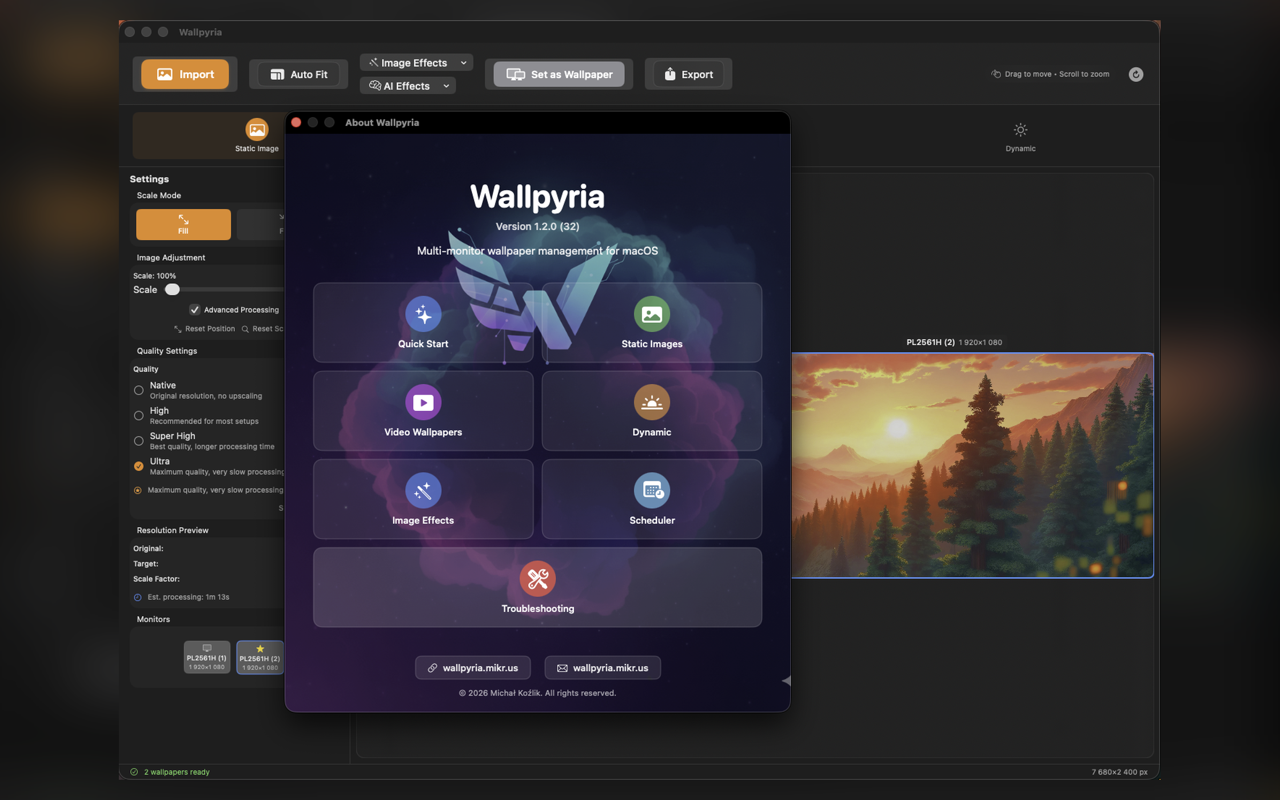
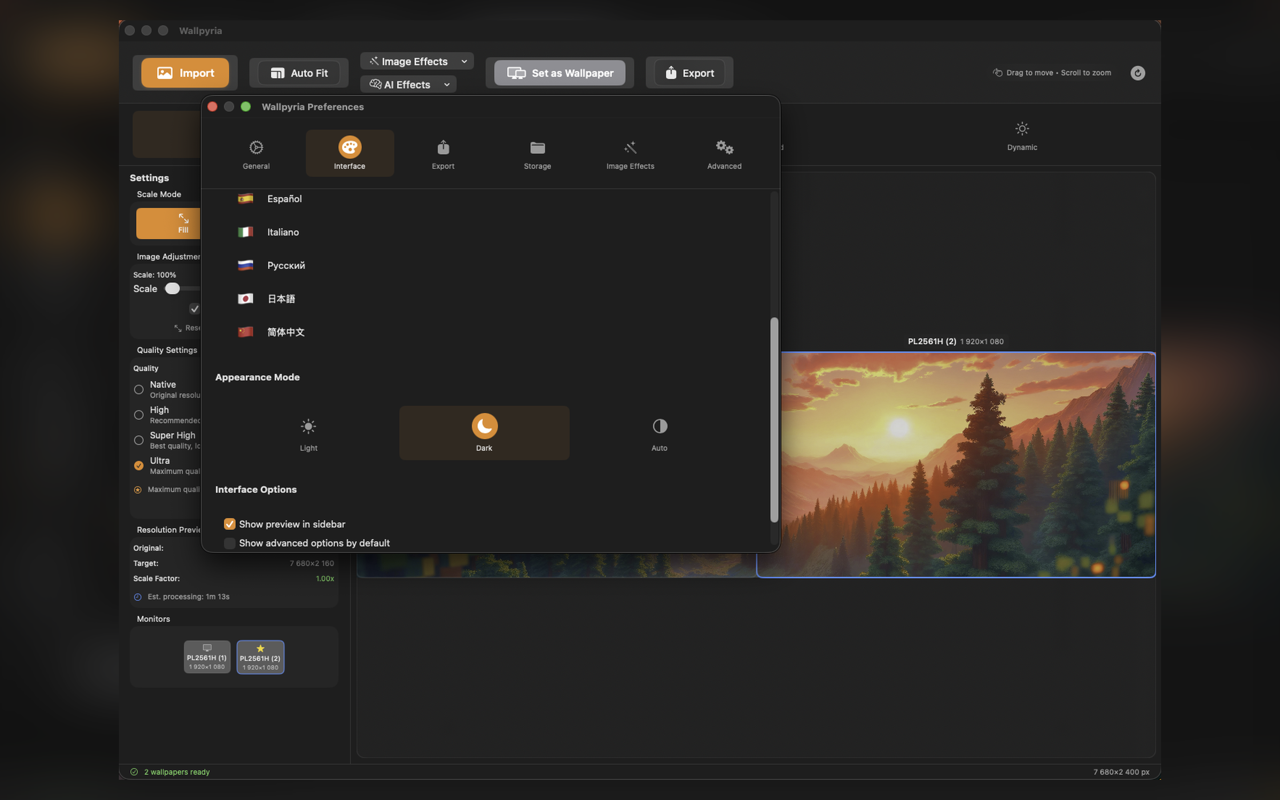
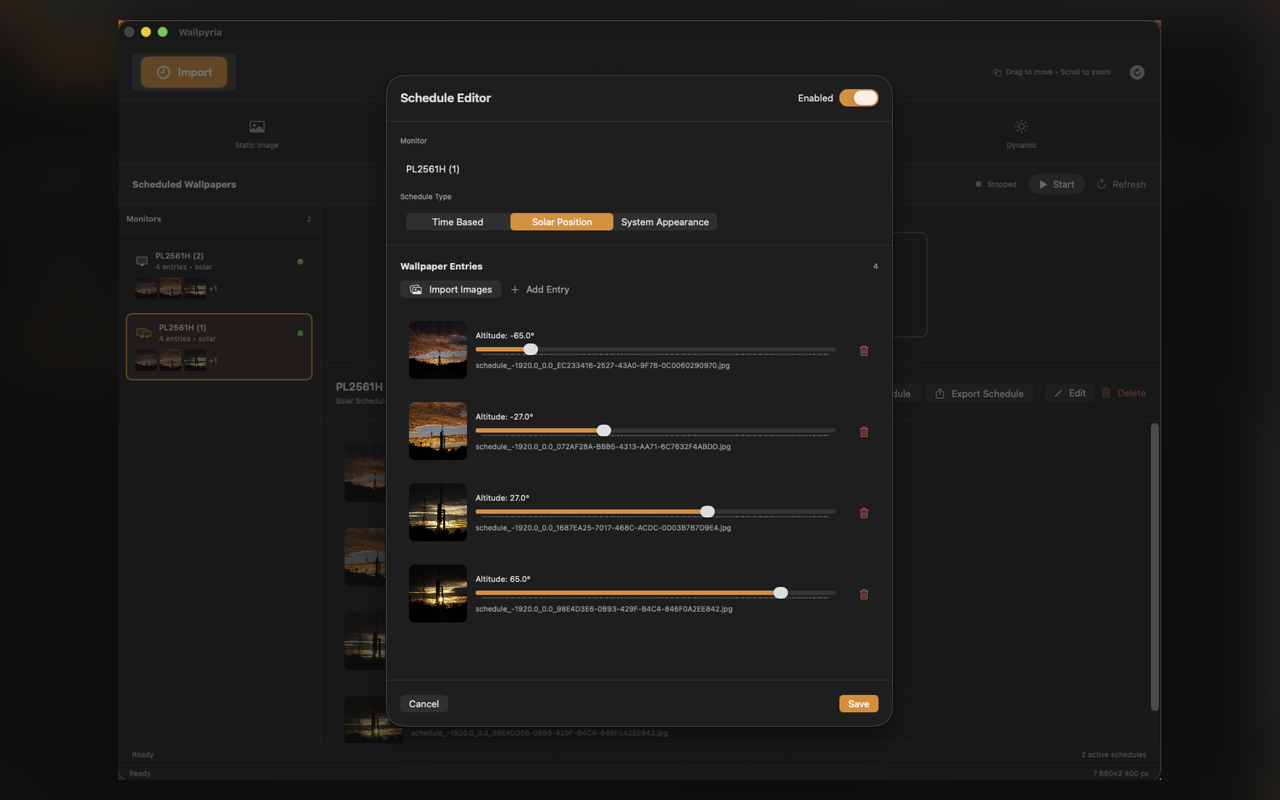
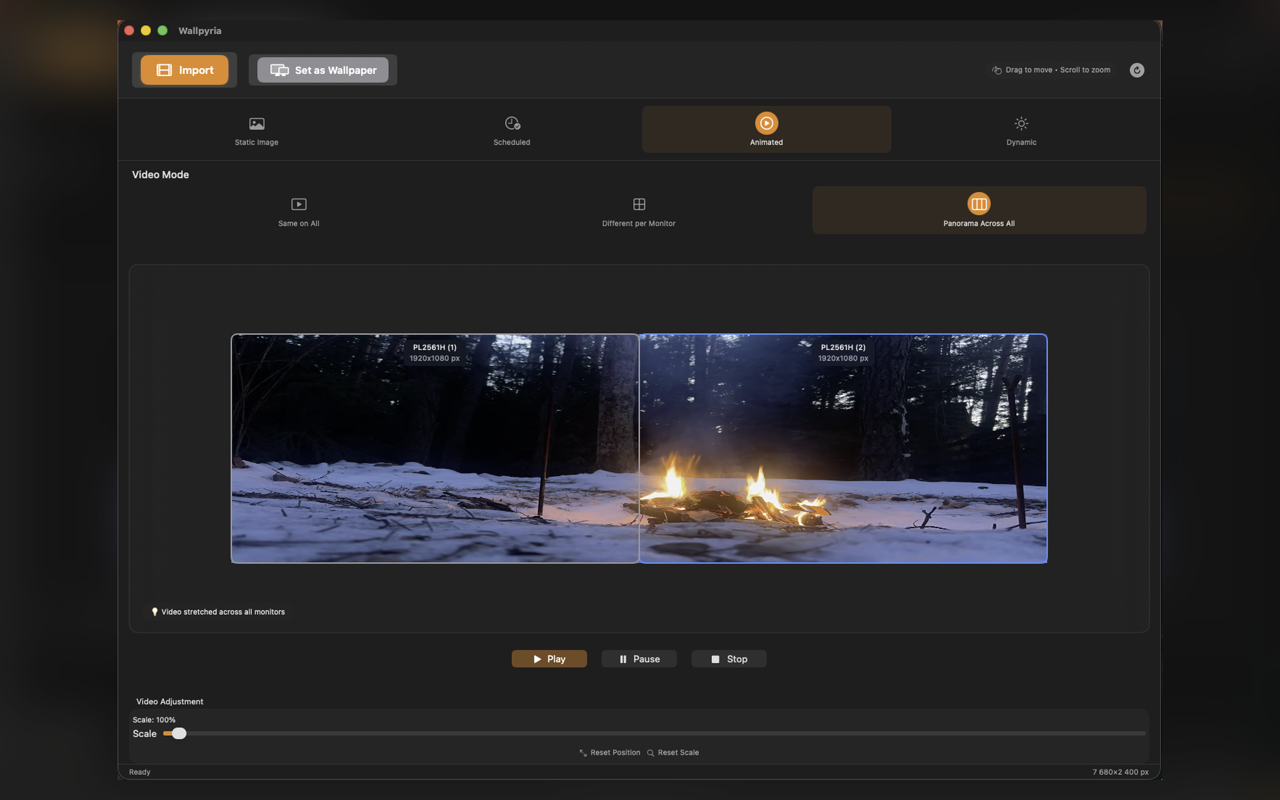
Wallpaper Modes
Static images, animated videos, or dynamic HEIC wallpapers that adapt to time of day
Panorama Mode
Video Wallpapers
Import MP4 and MOV files for smooth animated backgrounds
Time-Based
Wallpapers change automatically based on time or solar position
Panorama
Stretch a single image seamlessly across all monitors
Simple Pricing
Try all features free for 14 days. Then unlock lifetime access for just $4.99.
Lifetime
Pay once, use forever. No subscriptions.
- All 44 image effects
- 13 AI-powered features
- Unlimited schedules
- Video wallpapers
- Up to 8 displays
- Panorama mode
- Animated wallpapers
- Dynamic HEIC support
- Lifetime updates
- No subscriptions ever
Try every feature free for 14 days of use (days the app is actually used). No credit card required; after the trial, unlock the app with a one-time purchase.
Get Started Today
Download Wallpyria for macOS and start your 14-day free trial
Requirements: macOS 14.0 (Sonoma) or later
Universal Binary • Apple Silicon & Intel • about 30 MB
Frequently Asked Questions
Everything you need to know about Wallpyria
Still have questions?
Contact Support